Hi there,
We’re pleased to announce updates to Scopture’s model import capabilities, enabling direct STEP and STL import onto your working canvas.
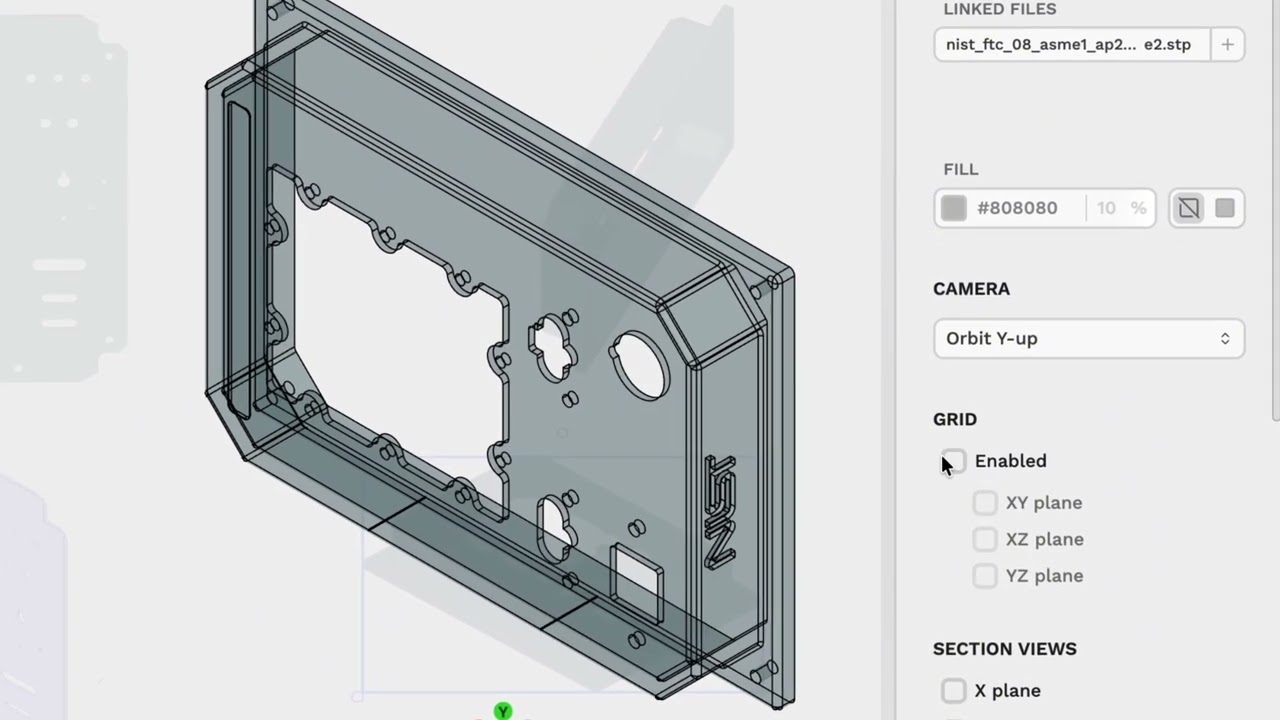
Drop STEP and STL files directly onto the canvas or import them through the model tools. Switch between views, inspect from different angles, and use selection and transparency tools to examine surrounding geometry.
Design review and model inspection remain part of the same workflow, eliminating the need for external software or separate detours.
We’ve prepared video tutorials to help you get started:
For questions or assistance, please contact our support team at site.scopture.com/support
Best regards,
The Scopture Team
