Hi there,
We’re pleased to announce the Scopture’s 3D visualization environment, that enables advanced model inspection and BIM coordination directly within your workspace.
Access full 3D visualization by double-clicking your 2D canvas preview. You can now isolate the inspection element to play live animations and watch models come apart in motion as you rotate, pan, and intersect multiple planes. Moreover, you can make model sections transparent without removing them.
These capabilities let you upload any BIM file and use it, whether you’re presenting to a client, coordinating with the site team, or just verifying what’s been built.
We’ve prepared video tutorials to help you get started:
How to use 3D Model Element:
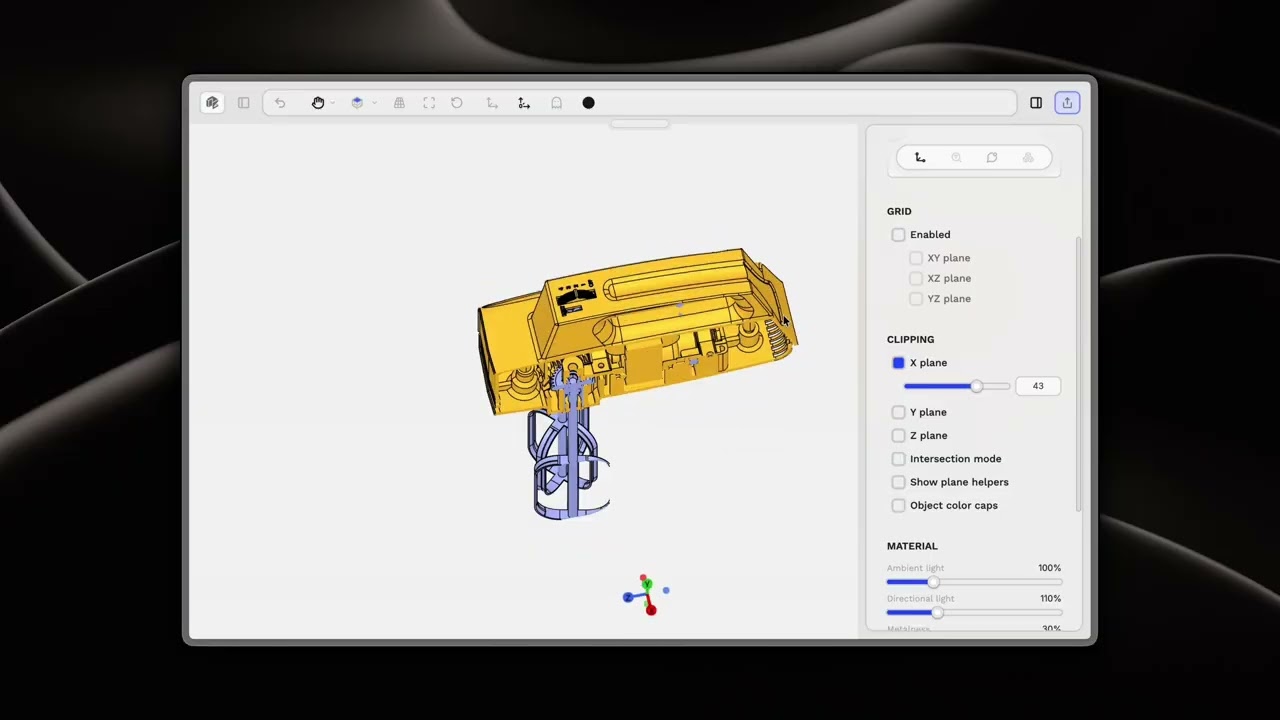
𝗛𝗼𝘄 𝘁𝗼 𝘂𝘀𝗲 𝗮 𝟯𝗗 𝗕𝗜𝗠 𝗠𝗼𝗱𝗲𝗹
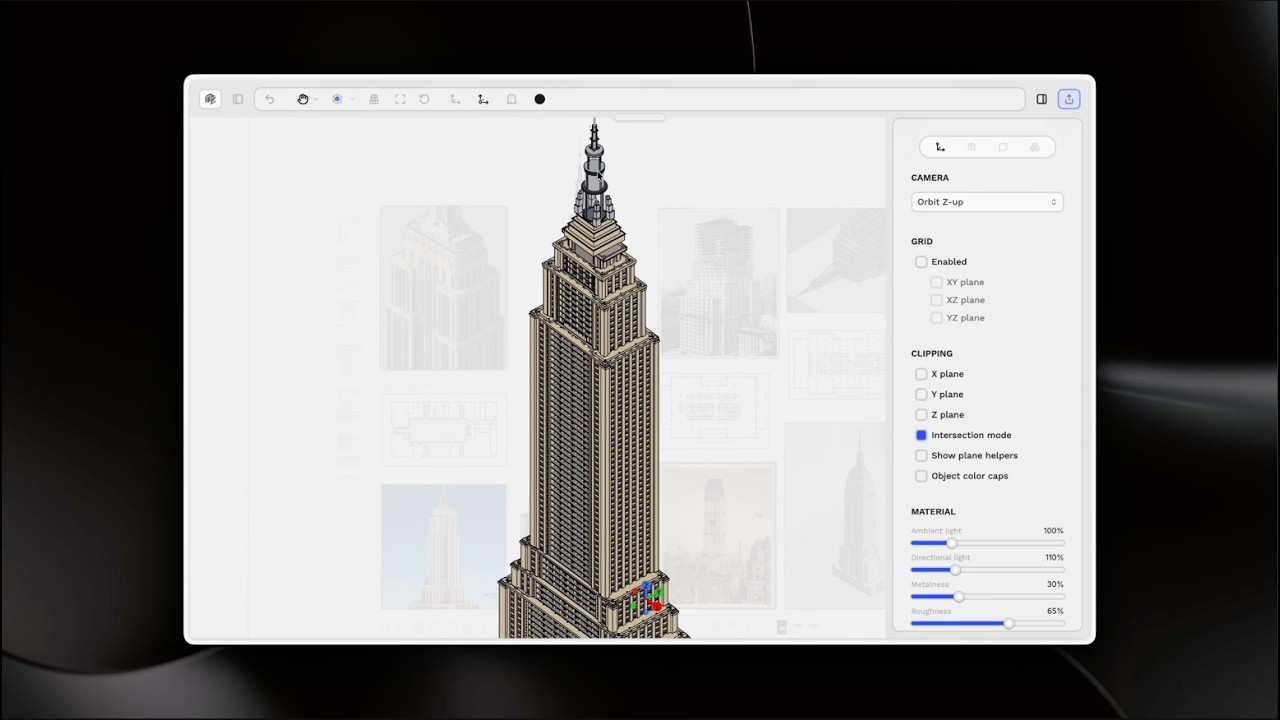
For questions or assistance, please contact our support team at site.scopture.com/support
Best regards,
The Scopture Team
